
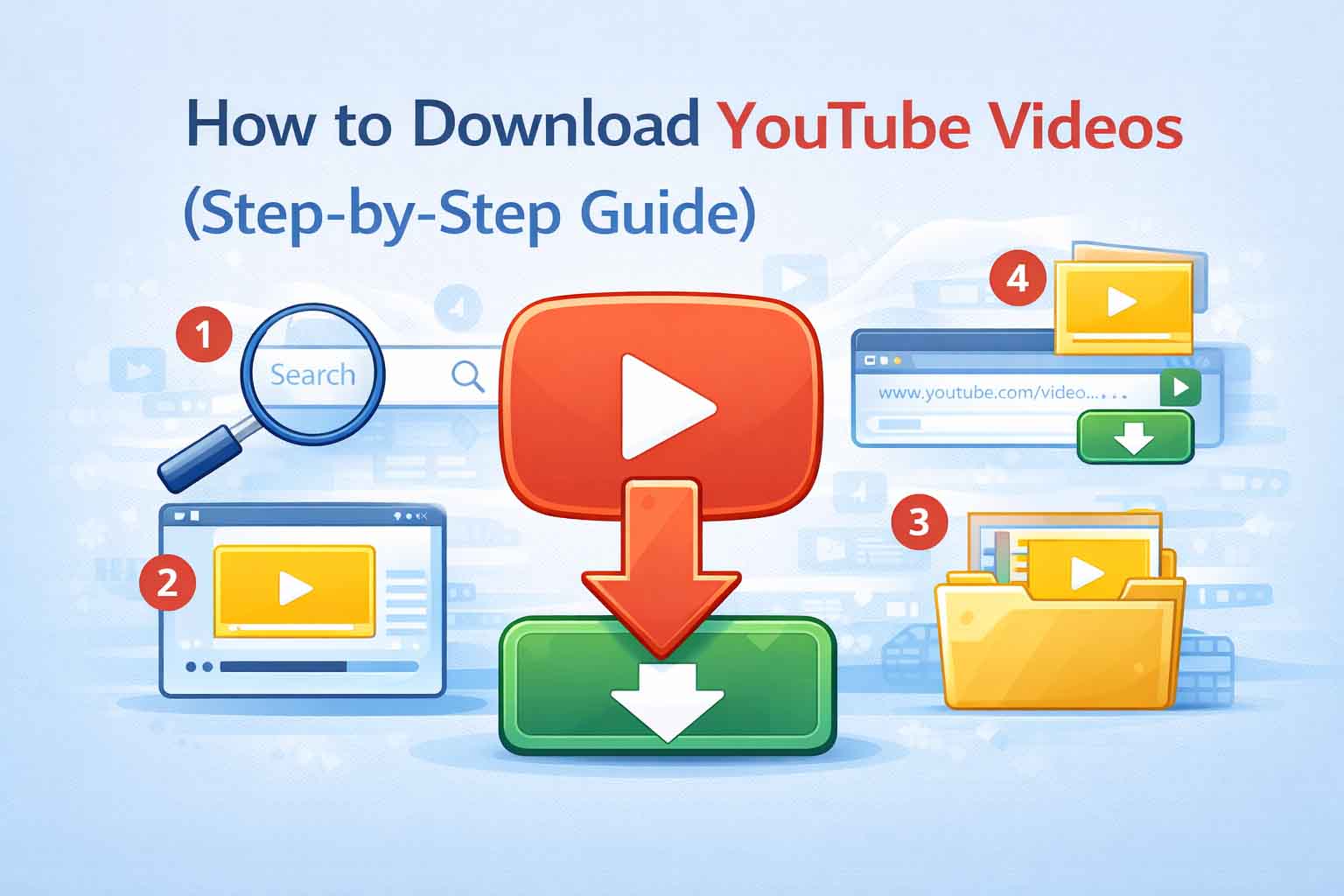
YouTube is one of the most popular platforms for watching videos—from tutorials and music to educational content and entertainment. But what if you want to watch videos offline, save tutorials for later, or use clips for your content workflow?
That’s where downloading YouTube videos becomes useful.
In this guide, you’ll learn:
- Different ways to download YouTube videos
- Why some videos can’t be downloaded
- Safe and legal considerations
- The best alternatives available in 2026
Let’s break it down step by step.
Is It Legal to Download YouTube Videos?
Before downloading anything, it’s important to understand the rules.
YouTube’s terms generally do not allow downloading videos unless:
- A download button is provided (like YouTube Premium)
- The content is explicitly allowed by the creator
Downloading videos without permission may violate terms of service.
👉 For a full breakdown, read: Is It Legal to Download Videos? (Full Guide)
Why People Download YouTube Videos
There are many valid reasons why users download videos:
- 📶 Watch offline without internet
- 🎓 Save educational tutorials
- ✂️ Use clips for content creation
- 🧠 Study materials anytime
- 🎥 Archive important videos
Downloading can be helpful—but it should always be done responsibly.
Method 1: Using Online Video Downloader Tools
Online tools allow you to paste a video link and download it instantly—no installation needed.
How it works:
- Copy the YouTube video URL
- Paste it into a downloader tool
- Choose video quality (720p, 1080p, etc.)
- Click download
Pros:
- Easy to use
- No software required
- Works on mobile and desktop
Cons:
- Not all videos are supported
- Some tools may fail or show errors
- Quality options may be limited
⚠️ Important:
YouTube has strong protections, so many tools don’t always work reliably.
Method 2: Using Software (Advanced Users)
Some users use software tools like download managers or command-based programs.
These tools:
- Offer more control over quality
- Allow batch downloads
- Support multiple formats (MP4, MP3)
However:
- They can be more complex
- Some require setup or configuration
- May still face YouTube restrictions
👉 This method is more suitable for advanced users.
Method 3: Using YouTube Premium (Official Way)
The safest and most reliable way is through YouTube Premium.
Features:
- Download videos inside the app
- Watch offline anytime
- No ads
- Supports mobile devices
Limitations:
- Requires subscription
- Videos stay within the YouTube app
- Cannot export files externally
Why Some YouTube Videos Cannot Be Downloaded
If you’ve ever tried downloading and it failed—you’re not alone.
Here are the common reasons:
🔒 1. Bot Protection
YouTube detects automated tools and may block access.
🔑 2. Login Required
Some videos require you to be signed in.
📺 3. Private or Restricted Content
Private, age-restricted, or region-locked videos may not work.
🔐 4. DRM Protection
Some content is protected to prevent copying.
👉 Read more: Why Some Videos Cannot Be Downloaded
Best Alternative Platforms You Can Download From
If YouTube is not working properly, don’t worry—there are other platforms where downloads are easier.
Platforms that usually work well:
- Facebook videos
- TikTok videos
- Public video platforms
These platforms often have fewer restrictions, making downloads more reliable.
How to Use Vidyows.com for Video Downloads
If you’re looking for a simple tool, you can try:
Steps:
- Copy your video link
- Paste it into the search box
- Click download
- Choose your preferred quality
Best Use Case:
Currently, Vidyows works best for:
- Facebook videos
- TikTok videos
⚠️ Note:
Due to platform restrictions, YouTube downloads may not always be available or stable.
Tips for Better Download Success
To improve your chances:
- ✅ Use public videos
- ✅ Avoid age-restricted content
- ✅ Try different tools if one fails
- ✅ Choose standard quality (720p works best)
- ❌ Avoid suspicious or unsafe sites
Frequently Asked Questions (FAQs)
❓ Why does YouTube download fail?
Because YouTube actively blocks automated downloads and requires authentication.
❓ Why is there no sound in my video?
Some formats separate video and audio streams. If not merged properly, audio may be missing.
❓ Why is HD not available?
High-quality formats (1080p+) are often restricted or require merging of files.
❓ Is it safe to use downloader tools?
Yes—if you use trusted tools and avoid suspicious websites.
❓ Can I download YouTube videos on mobile?
Yes, but results vary depending on the tool or method used.
Conclusion
Downloading YouTube videos can be useful—but it comes with limitations.
The key takeaways:
- Not all videos can be downloaded
- Some methods are more reliable than others
- Official options like YouTube Premium are safest
- Alternative platforms may offer better success
👉 The smartest approach is to:
- Use trusted tools
- Respect content creators
- Stay within legal boundaries
🚀 Final Tip
If YouTube downloads aren’t working:
👉 Try platforms like Facebook or TikTok using
https://vidyows.com/
It’s fast, simple, and works well for supported platforms.